Set up QRPickle over USB
Send your callsign, location, WiFi and keys to a CYD on the USB cable, straight from this page, without
joining its QRPickle-Setup hotspot. Works with QRPickle v0.3.1 or newer, in
Chrome or Edge on a computer. Nothing you type here leaves your computer except over the
USB cable to the board.
Fields you leave empty keep what the board has. Everything else (profiles, APRS, DX servers, screen cycling) is in the web console afterwards.
"No answer from the board"? Close other programs using the port (and the installer's dialog),
replug the cable and try again. On Linux run stty -F /dev/ttyUSB0 115200 first (see the
Install page).
Board (optional)
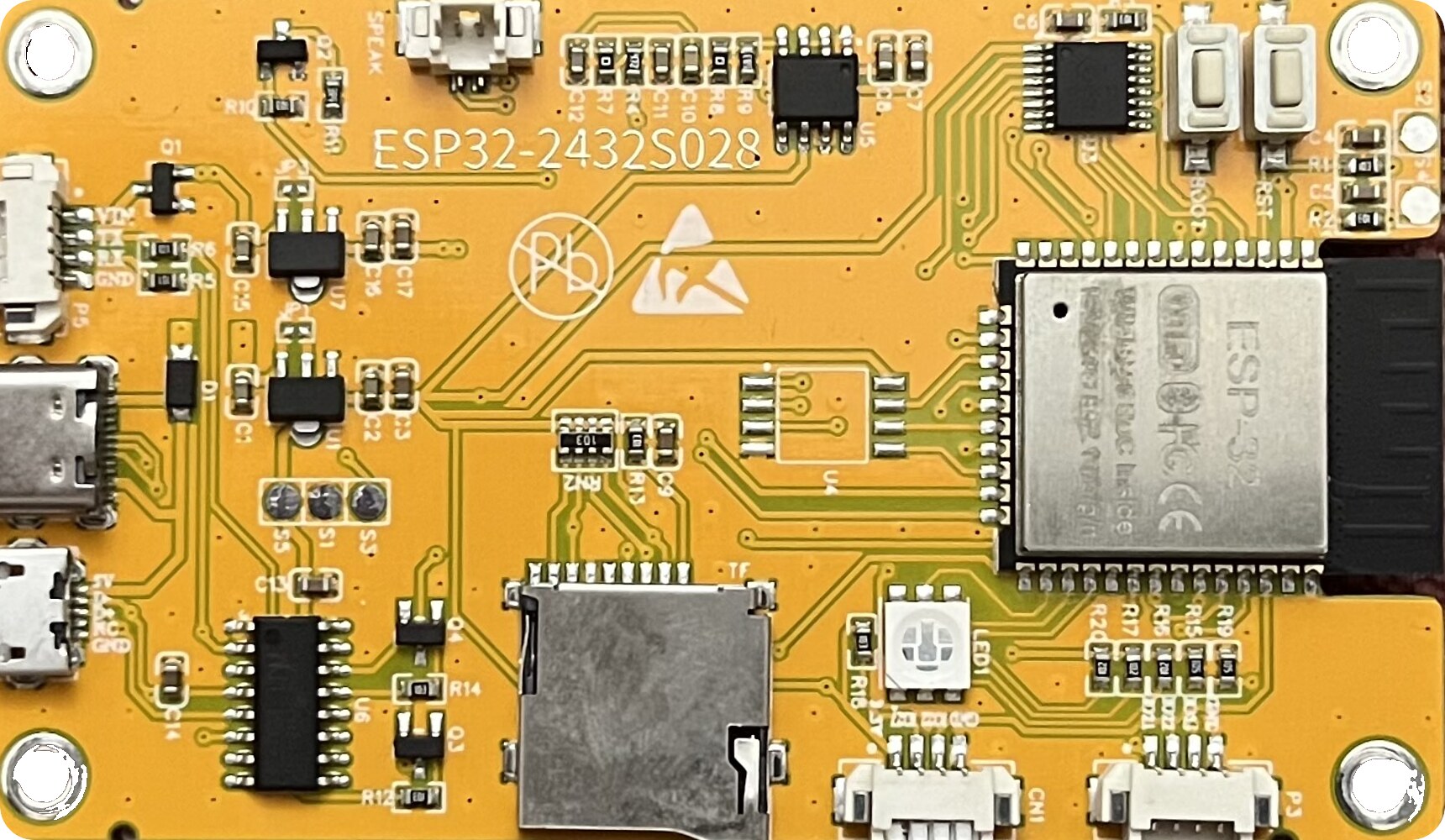
Only needed if the CYD's screen stays dark or shows the wrong board (v0.3.2 or newer). Setup above doesn't need it.
reads it over USB, changes nothing
Check the number printed on the back first (where to look).
sends only this; the CYD restarts if it changes
Report how this board works
Opens GitHub's "Board report" form with the details filled in; you sign in, attach a photo of the back and submit. Nothing is sent from this page.